

SVG Image Uploader Extension
The Image Uploader Extension for Magento 2 supports uploading SVG and WebP image formats, allowing merchants to use high-quality, lightweight images for their store. It simplifies image management, improves website performance, and enhances visual appeal by supporting modern image formats that load faster and provide better quality.

Highlighted Features
-
Drag and Drop Interface
This feature allows users to upload images by simply dragging them from their local system and dropping them into the designated area on the web page. It simplifies the upload process by eliminating the need to navigate through file directories, making it more intuitive and user-friendly.
-
Multiple Image Uploads
The extension supports the ability to upload multiple images simultaneously. This is particularly useful for administrators who need to manage a large number of product images or for customers who want to upload multiple images for reviews or custom orders. It streamlines the process and reduces the time required for uploads.
-
Customizable Image Quality
Administrators can set the desired quality level for uploaded images, allowing for compression to reduce file size while maintaining acceptable visual quality. This helps optimize website performance by reducing page load times, which is crucial for enhancing user experience and SEO.
-
Image Preview
Before finalizing an upload, users can preview the images to ensure they are correct. The extension may also offer basic editing functionalities such as cropping, resizing, or rotating images. This ensures that the images meet the site's requirements and look professional.
-
Integration with WYSIWYG Editor
The extension seamlessly integrates with Magento's "What You See Is What You Get" (WYSIWYG) editor, enabling users to easily insert images into CMS pages, static blocks, and other content areas. This integration enhances content creation and management by making it easy to add visual elements directly from the editor.
-
Support for SVG and WebP Formats
The extension supports image uploads in SVG and WebP formats, in addition to standard formats like JPEG and PNG. This allows for the use of scalable vector graphics (SVG) for high-quality, resolution-independent images, and WebP for advanced compression with reduced file sizes, both of which can enhance visual quality and site performance.
Description
Page Builder Image Upload
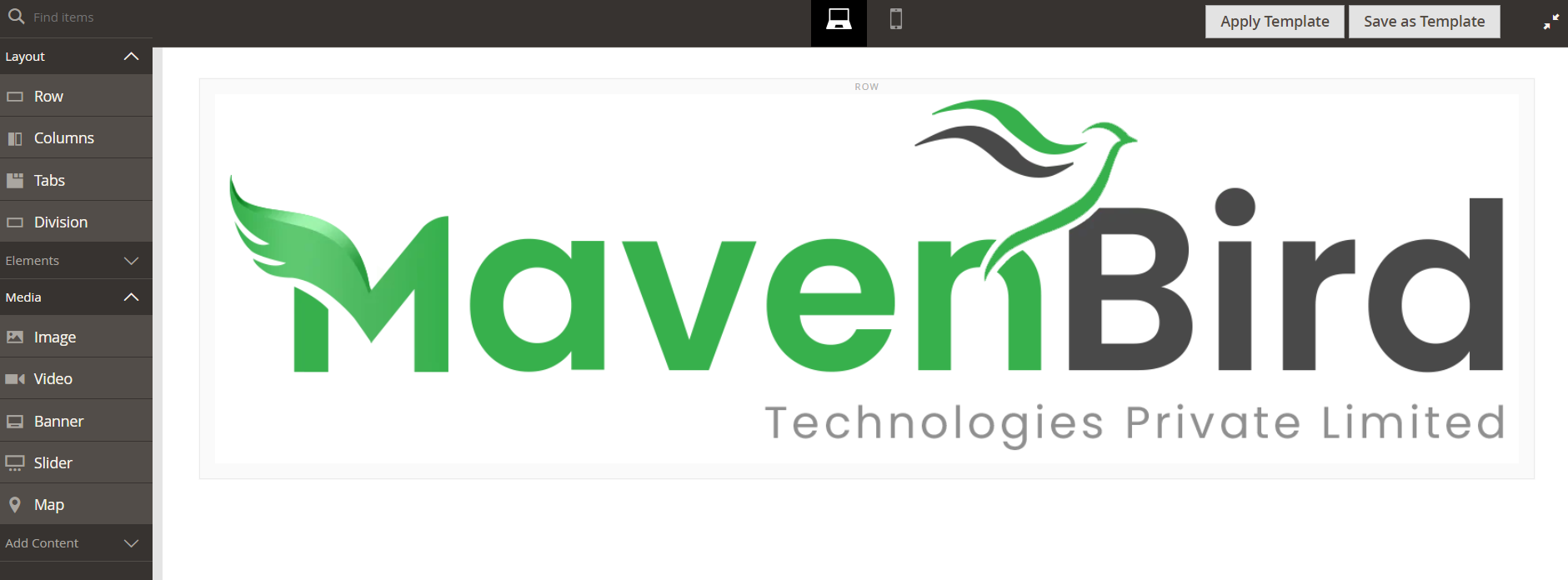
The Image Uploader Extension for Magento 2 allows customers to easily upload images during product customization, such as for custom orders or reviews. It supports various formats and ensures secure file handling. Admins can manage, approve, or modify uploads from the backend. This extension enhances customer experience, increases engagement, boosts SEO, and improves store management, leading to higher conversions.
- Access Content > Pages or Content > Blocks and open the Page Builder editor.
- Drag and drop or click the "Upload Image" button to add SVG or WEBP files directly into your content.
- Save the page or block to apply the uploaded images.
Category Image Upload
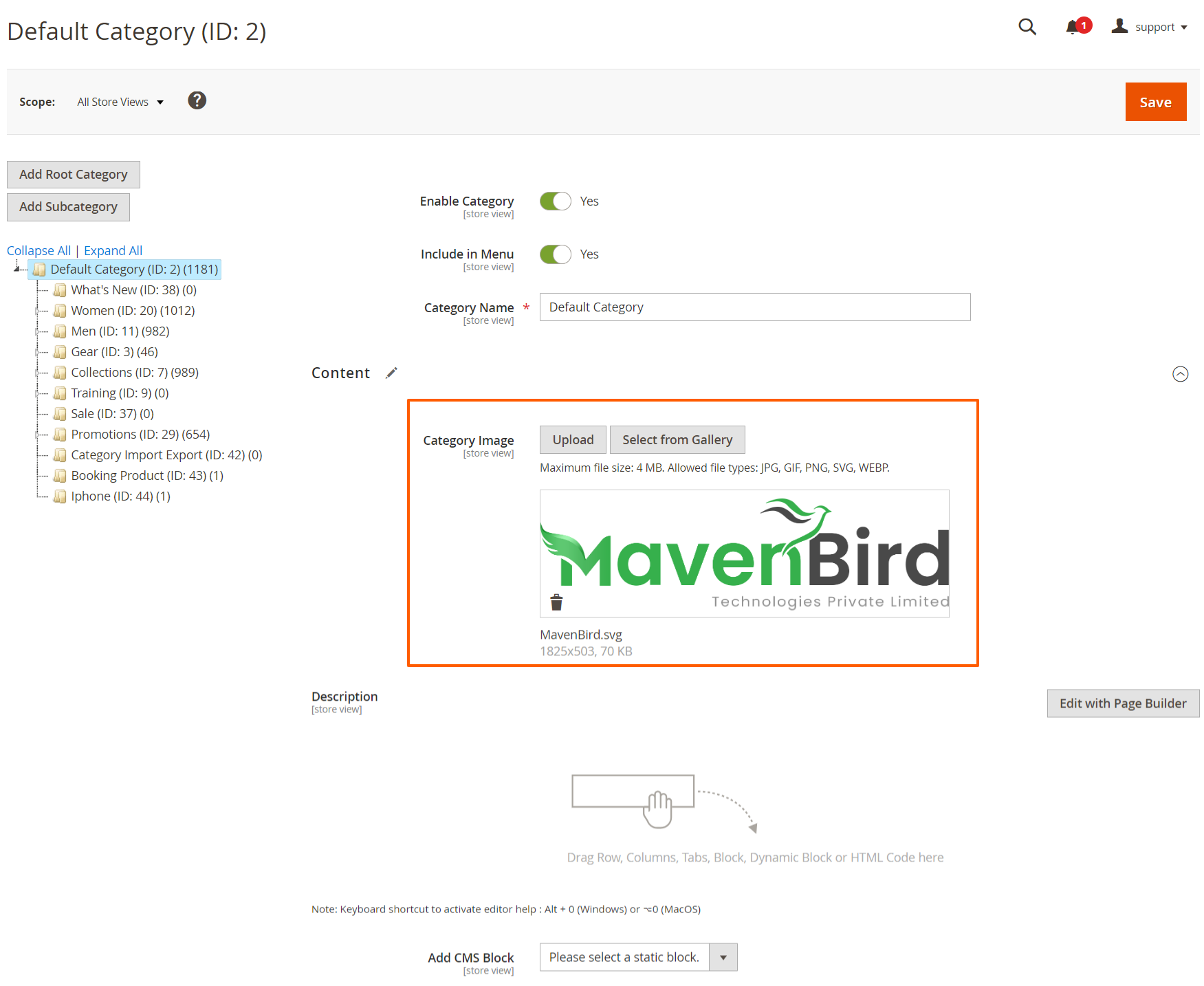
- Go to Catalog > Categories > Content.
- Click on the category you want to edit.
- In the Category Image section, click the upload button and select your SVG or WEBP file.
- After uploading, save the category to apply changes.
Wysiwyg Editor Upload
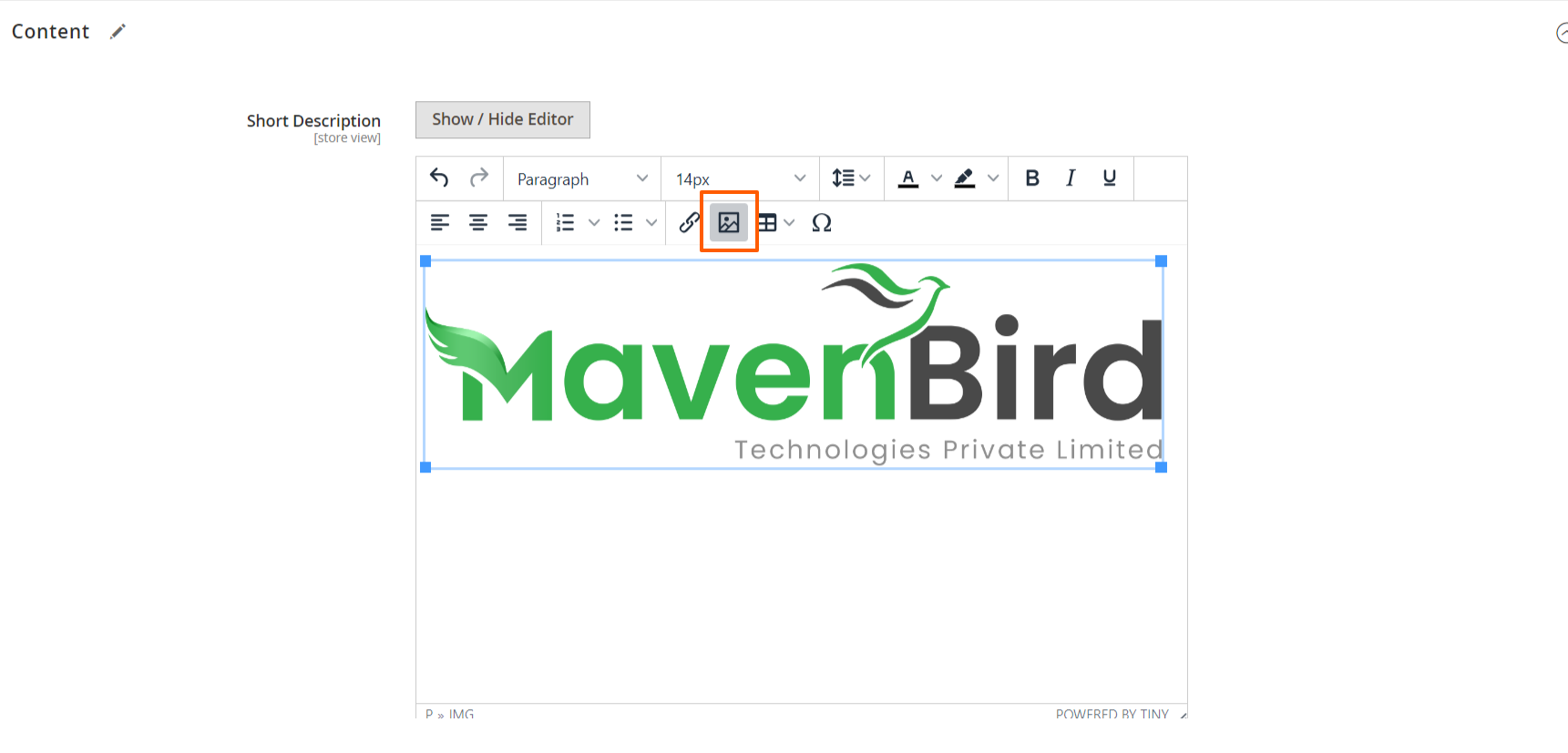
- Go to Catalog> Products > Add New Product > Content.
- Open a content page or block where the Wysiwyg editor is available.
- Click on the upload button in the editor to select and upload your SVG or WEBP files.
- After uploading, save the content to apply the changes.
Theme Logo and Favicon Upload
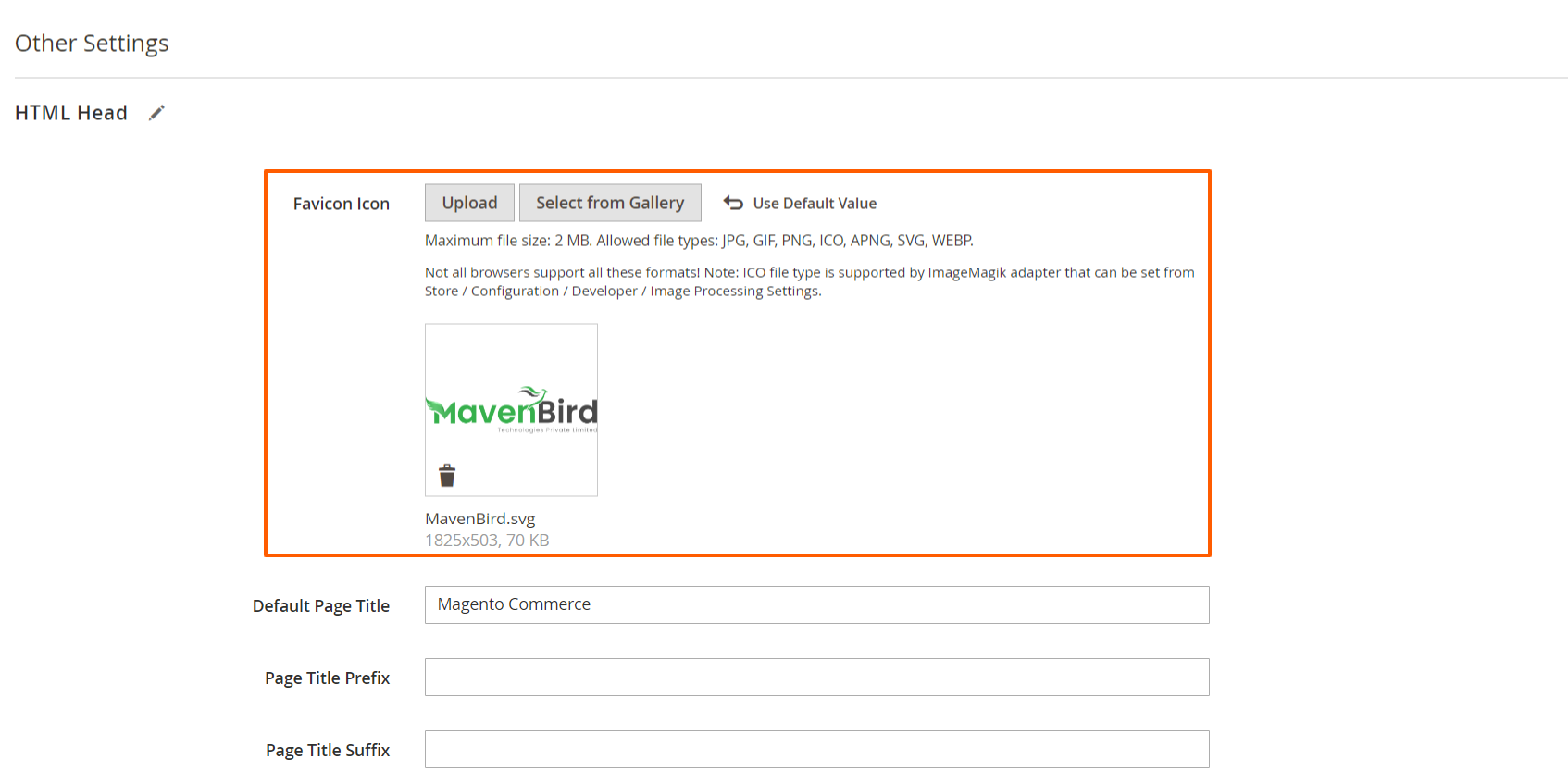
- Go to Content > Design > Configuration.
- Click on the theme you want to configure.
- In the Logo and Favicon sections, click the upload button and select your SVG or WEBP files.
- Save the configuration to apply your logo and favicon.
FAQs
How can I fix the "Invalid booking request" error?
How can I fix the "Invalid booking request" error?
The "Invalid booking request" error may be caused by incorrect input data or validation issues. Check your booking form for required fields and ensure that all data complies with the specified formats. Additionally, ensure that your extension is up to date.
How does the drag-and-drop image upload feature work in Magento 2?
How does the drag-and-drop image upload feature work in Magento 2?
Users can upload images by dragging them from their local device and dropping them into the designated area on the web page. This eliminates the need to browse file directories, making the process faster and more intuitive.
Does the extension allow image quality customization?
Does the extension allow image quality customization?
Yes. Admins can set custom image quality levels, enabling compression to reduce file sizes while maintaining visual quality. This helps improve website performance and SEO.
What image formats are supported in the Magento 2 image uploader?
What image formats are supported in the Magento 2 image uploader?
The extension supports JPEG, PNG, SVG, and WebP formats. SVG ensures scalable vector graphics, while WebP provides advanced compression with smaller file sizes and high visual quality.
Where can I upload images in Magento 2 using this extension?
Where can I upload images in Magento 2 using this extension?
Images can be uploaded in multiple areas: Page Builder content, categories, WYSIWYG editor, and theme configurations (logo and favicon).
Customer Reviews
Changelog
1.1.1 – December 30, 2025
- Upgraded for compatibility with Magento 2.4.8-p3.
- Compatible with PHP version 8.4.
1.1.0 - September 1, 2024
- Minor Bug Fixes
1.0.8 – June 24, 2024
- Compatible with Magento Version 2.4.8-p1.
1.0.7 – May 18, 2024
- Compatible with Magento Version 2.4.7-p3.
1.0.6 – March 11, 2024
- Compatible with Magento Version 2.4.3
- Small code adjustments.
1.0.5 – March 21, 2023
- Compatible with Magento Version 2.4.2
1.0.4 – September 18, 2022
- Compatible with Magento Version 2.4.1
1.0.3 – April 20, 2022
- Compatible with Magento Version 2.4.0
1.0.2 – May 16, 2020
- Updated for improved compatibility with Magento versions 2.3 and 2.4.
1.0.1 – January 30, 2019
- Fully compatible with Magento 2.0, 2.1, 2.2, and 2.3 Community Edition.
1.0.0 – February 24, 2018
- Release Initial Version.
We are committed to being open and transparent with our customers. When you purchase our module, you automatically receive one year of free support service and free updates.
Why is this important?
- Seamless Installation and Configuration: We understand that setting up a new module can take time to configure according to your specific needs. That's why we offer a full year of free support. Our experienced team is here to assist you with installation, configuration, and any questions you might have. We're eager to share our expertise to ensure you get the most out of your purchase.
- Stay Updated with Magento (Adobe Commerce) Releases: Magento releases new versions approximately every three months. These updates can sometimes introduce compatibility challenges. To keep your store running smoothly, we provide a year of free access to the latest versions of our modules, ensuring that you can upgrade Magento and our modules without encountering any obstacles.
- Subscription Included: Renewing your subscription ensures continued access to the latest updates and support from our team. This means you can be confident that any issues you encounter with the extension will be resolved quickly and efficiently. You can cancel your subscription at any time without any additional fees.
- Free Installation
- 30 Days Money Back
- 1 Year Of Free Support
- Open Source East To Customize
- Meets Magento Code Standards